Ultimate Guide: DnD Map Maker (Tools, Techniques, Best Practices)
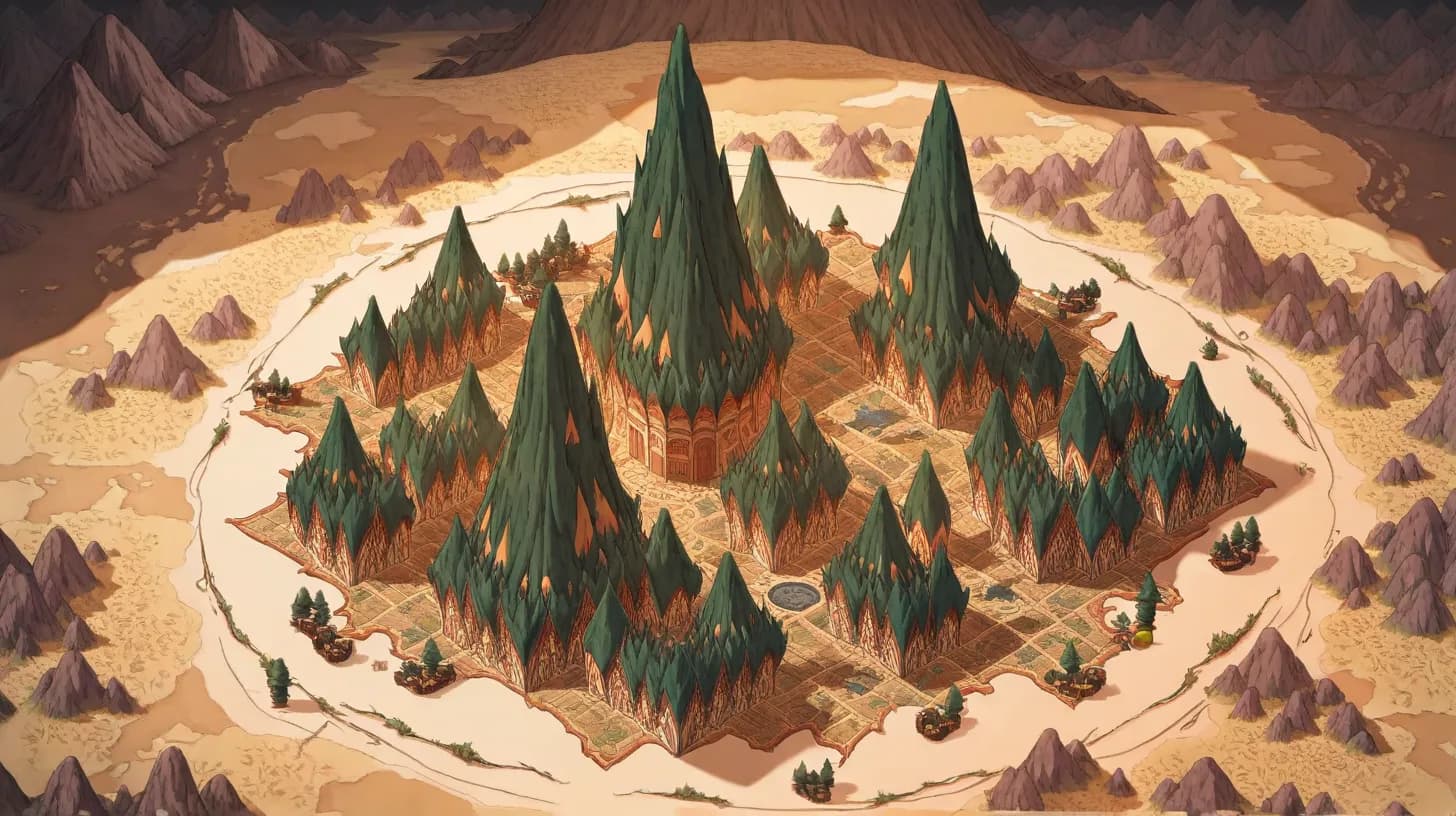
Every great D&D campaign deserves a great map. Whether you're sketching a quick dungeon for tonight's session or building a sprawling continent for a year-long campaign, a DnD map maker transforms your imagination into something your players can see, explore, and remember. Maps are more than decoration — they're the visual language of adventure.
This guide covers everything you need to know about DnD map makers: the best tools available in 2026, how to choose between them, and techniques for creating maps that elevate your game regardless of your artistic skill level.
Why Maps Matter in D&D
Maps serve multiple critical functions at the table. They ground your players in physical space — when a player can see the mountain range between them and their destination, the journey feels real. They enable tactical combat — positioning, cover, chokepoints, and environmental hazards only matter when players can see and interact with them. And they spark exploration — an unexplored region on a world map is an invitation, a mystery waiting to be solved.
But maps also serve the DM. Building a map forces you to think about spatial relationships. Why is this city here? What trade routes connect these settlements? Where would bandits hide along this road? The act of cartography is itself a form of worldbuilding — answering geographical questions generates history, culture, and conflict organically. For the broader practice, see our location & setting design cluster.
Types of D&D Maps
World Maps
The big picture. World maps show continents, oceans, mountain ranges, and major landmarks. They set the scope of your campaign and help players understand the relationship between distant locations. A well-crafted world map makes your setting feel vast and explorable, even if the campaign only visits a fraction of it. Pair the world map with a strong naming strategy — our kingdom name generator and fantasy city name generator handle the labels.
World maps are best created early in campaign development. They establish the physical foundation everything else builds on — climate zones, biome distribution, and the placement of civilizations all flow from geography. Procedural generators excel at world maps because they can simulate realistic plate tectonics, erosion, and climate patterns.
Regional Maps
The operational scale of most campaigns. Regional maps cover a kingdom, a province, or a stretch of wilderness — close enough that individual settlements are visible, broad enough that travel between them is meaningful. They show roads, rivers, forests, ruins, and points of interest.
Regional maps are the workhorse of campaign cartography. They answer the most common player question: "What's nearby, and how do we get there?" A good regional map includes travel distances (or enough detail to estimate them), terrain types that affect travel speed, and enough points of interest to make exploration rewarding without overwhelming players with choices.
City Maps
Urban environments need their own maps when the campaign spends significant time in a settlement. City maps show districts, major streets, notable buildings (taverns, temples, markets, government buildings), gates, walls, and waterways. More importantly, they convey the city's character — the wealthy district near the castle, the cramped slums by the docks, the busy market square. For the inn at the heart of it, try our tavern name generator.
City maps don't need to show every building. They need to show enough to help players navigate and make the city feel like a real place with different areas that have different vibes, different dangers, and different opportunities.
Dungeon Maps
The classic DnD map. Dungeon maps are room-by-room layouts showing corridors, chambers, doors, traps, hazards, and points of interest. They serve as the DM's master reference during exploration — you need to know where monsters wait, where treasure hides, and how the dungeon connects together. Pair the dungeon map with our random encounter generator for filler combat and our loot generator for room-by-room rewards.
Good dungeon maps tell a story through their layout. A tomb has a processional entry leading to burial chambers. A fortress has defensive chokepoints and overlapping fields of fire. A natural cave system has irregular shapes, tight squeezes, and underground rivers. The architecture should reflect the dungeon's history and purpose.
Battle Maps
Tactical-scale maps for combat encounters, typically gridded at 5-foot squares. Battle maps show terrain features, elevation changes, cover positions, hazards, and any interactive elements. They transform combat from abstract description into a tactical puzzle where positioning, movement, and environmental awareness matter.
Battle maps don't need to be elaborate to be effective. A quick sketch with three terrain features — some pillars for cover, a raised platform for elevation advantage, and a pit in the center — immediately makes combat more interesting than a featureless grid.
Best DnD Map Makers in 2026
Anima Map Generator
Anima's built-in map generator creates world, regional, city, and dungeon maps with procedural terrain generation and multiple art styles. Maps are interactive — you can place pins, define regions, and link locations directly to wiki entries so clicking a city on your map opens its full documentation. Free to start; the full feature set is available on the standard plan (see pricing or the feature breakdown).
The key advantage is integration. Your maps, wiki, and timeline exist in one platform, so there's no copy-pasting URLs or maintaining cross-references manually. When you update a location's name in the wiki, it updates on the map. When you add a historical event to the timeline, you can link it to the map location where it happened.
Best for: DMs who want maps integrated with their worldbuilding workflow rather than standalone images.
Inkarnate
A browser-based map maker with beautiful art assets in multiple styles. Inkarnate uses a stamp-based system — you place terrain, buildings, trees, and decorations from an asset library onto your canvas. The free tier includes a basic asset set; the pro tier ($25/year) unlocks thousands of additional stamps and advanced features.
Inkarnate produces some of the most visually stunning maps in the hobby. Its watercolor world map style is particularly popular. The learning curve is gentle — if you can drag and drop, you can make a serviceable map within an hour.
Best for: DMs who want beautiful, shareable maps without drawing skill. Especially strong for world and regional maps.
Wonderdraft
A desktop application ($29.99 one-time) focused on world and regional maps. Wonderdraft has a painterly, hand-drawn aesthetic that many worldbuilders love. It supports custom assets from the active community, and maps can be exported at extremely high resolutions for printing.
Wonderdraft's interface is more powerful than Inkarnate's but has a steeper learning curve. It excels at creating maps that look like they were hand-drawn by an in-world cartographer — complete with compass roses, legends, and decorative borders.
Best for: Worldbuilders who want maximum artistic control over world and regional maps.
Dungeondraft
The companion tool to Wonderdraft, focused specifically on battle maps and dungeon layouts ($19.99 one-time). Dungeondraft produces VTT-ready maps with automatic lighting, walls, and grid alignment. It includes a large library of furniture, terrain, and decorative objects.
The killer feature is speed — you can build a professional-quality battle map in 15-30 minutes once you learn the interface. Maps export with separate layers for VTT compatibility (Roll20, Foundry VTT).
Best for: DMs who run tactical combat and need a steady supply of quality battle maps.
Azgaar's Fantasy Map Generator
A free, browser-based procedural world map generator that simulates geography from geological principles. Azgaar's generates not just terrain but countries, cultures, religions, rivers, and political boundaries. The depth is staggering — you can drill down into individual provinces, view trade routes, and examine demographic data.
It's the best starting point for DMs who want a scientifically plausible world. Generate a map, find a continent shape you like, then export and refine in another tool or use it directly.
Best for: Worldbuilders who want realistic geography and don't mind a utilitarian visual style.
How to Choose a Map Maker
The right tool depends on your specific needs:
- If you need maps integrated with worldbuilding: Anima — maps connected to wiki and timeline
- If you want the most beautiful standalone maps: Inkarnate or Wonderdraft
- If you need battle maps for VTTs: Dungeondraft
- If you want a free, realistic world generator: Azgaar's
- If you want maximum speed: Procedural generators (Anima, Azgaar's) for starting points, then manual refinement
Many DMs use multiple tools — a procedural generator for the world map, a detailed tool for important regions, and a quick battle map maker for encounters.
Map Making Techniques for Non-Artists
Start with Procedural Generation
You don't need to draw from scratch. Generate a procedural map, find a shape and layout you like, then customize it. This is faster than starting from a blank canvas and produces more realistic results than most people can draw freehand. Every professional-looking map you've seen on Reddit probably started as a generated base.
Use Real-World Geography as Inspiration
Real geography follows patterns because it's shaped by real physical forces. Rivers flow downhill to the sea. Mountains form along tectonic boundaries. Cities grow where rivers meet, where harbors form, or where trade routes cross. Studying real maps teaches you these patterns, and maps that follow them feel instinctively "right" even if viewers can't articulate why.
Focus on What Players Will See
You don't need to detail the entire world. Map the areas your campaign will visit in the next few sessions. Use broad strokes for everything else. A half-finished map with "Here be dragons" in the margins is actually better than a completed map — it preserves mystery and gives you room to expand.
Label Everything
An unlabeled map is a pretty picture. A labeled map is a tool. Name every settlement, major terrain feature, and point of interest. Labels transform a visual into something players can reference during play. "I want to go to Thornfield" is more useful than "I want to go to that town in the northeast."
Map Making for Different Campaign Styles
Sandbox Campaigns
Sandbox maps need breadth over depth. Create a regional map with many points of interest, each with a one-sentence hook. Players choose where to go; you prep the details of their chosen destination. The map itself is the campaign's menu.
Linear Campaigns
Linear campaigns need maps that guide without constraining. Show the path the story follows while hinting at the wider world. The map should make players feel like they're choosing to follow the main quest, not like there's no alternative.
Hexcrawl Campaigns
Hexcrawl maps are the most map-intensive format. Each hex needs content — encounters, terrain, points of interest. Use procedural generation to create the base map, then key hexes in concentric rings outward from the starting location. You only need to detail as far as the party can travel in a few sessions.
Urban Campaigns
City campaigns need detailed city maps with named districts, key locations, and enough detail to support navigation and intrigue. Consider creating district-level maps for areas the players frequent most, with a broader city map for context.
Common Map Making Mistakes
- Rivers that split — Rivers merge as they flow to the sea; they don't split into multiple branches (with rare exceptions like deltas near the coast). This is the most common geographical error in fantasy maps.
- Random mountain placement — Mountains form in ranges along tectonic boundaries, not as isolated dots scattered across the map. Place them in chains, and your map will look dramatically more realistic.
- Ignoring scale — Include a scale bar. Without one, players can't judge distances, and you'll make inconsistent rulings about travel time.
- Over-detailing — A map crammed with every possible detail is harder to read than a clean map with key features clearly marked. Negative space is your friend.
- Forgetting climate — A desert next to a rainforest with no transition zone looks wrong because it is wrong. Consider how latitude, altitude, ocean currents, and mountain rain shadows affect climate distribution.
The best DnD map maker is the one you'll actually use consistently. Start with whatever tool feels comfortable, create imperfect maps, and improve over time. Your players don't need cartographic perfection — they need enough visual reference to fuel their imagination.
Beyond the Map
A map is the spine of a campaign, but it's only useful when the surrounding worldbuilding fills it in. The locations need NPCs (try our NPC generator), the regions need a history (see lore & history building), and the points of interest need adventure hooks (use the quest hook generator). For external reference on cartographic conventions, the Cartographers' Guild is the long-running community of fantasy map makers and offers thousands of free tutorials.
For the broader DM skillset, browse the Dungeon Master Toolkit hub and its sibling clusters: DM & GM guides, templates & downloads, and the parent map making & cartography cluster. To bring maps, wiki, and timeline together in one place, create a free Anima account — your players see the same world you do.
Keep reading
More from this topic
Start building your world today
Maps, wikis, timelines, and AI tools — everything you need to bring your world to life, in one place.