Campaign Tracker: Best Tools & Templates
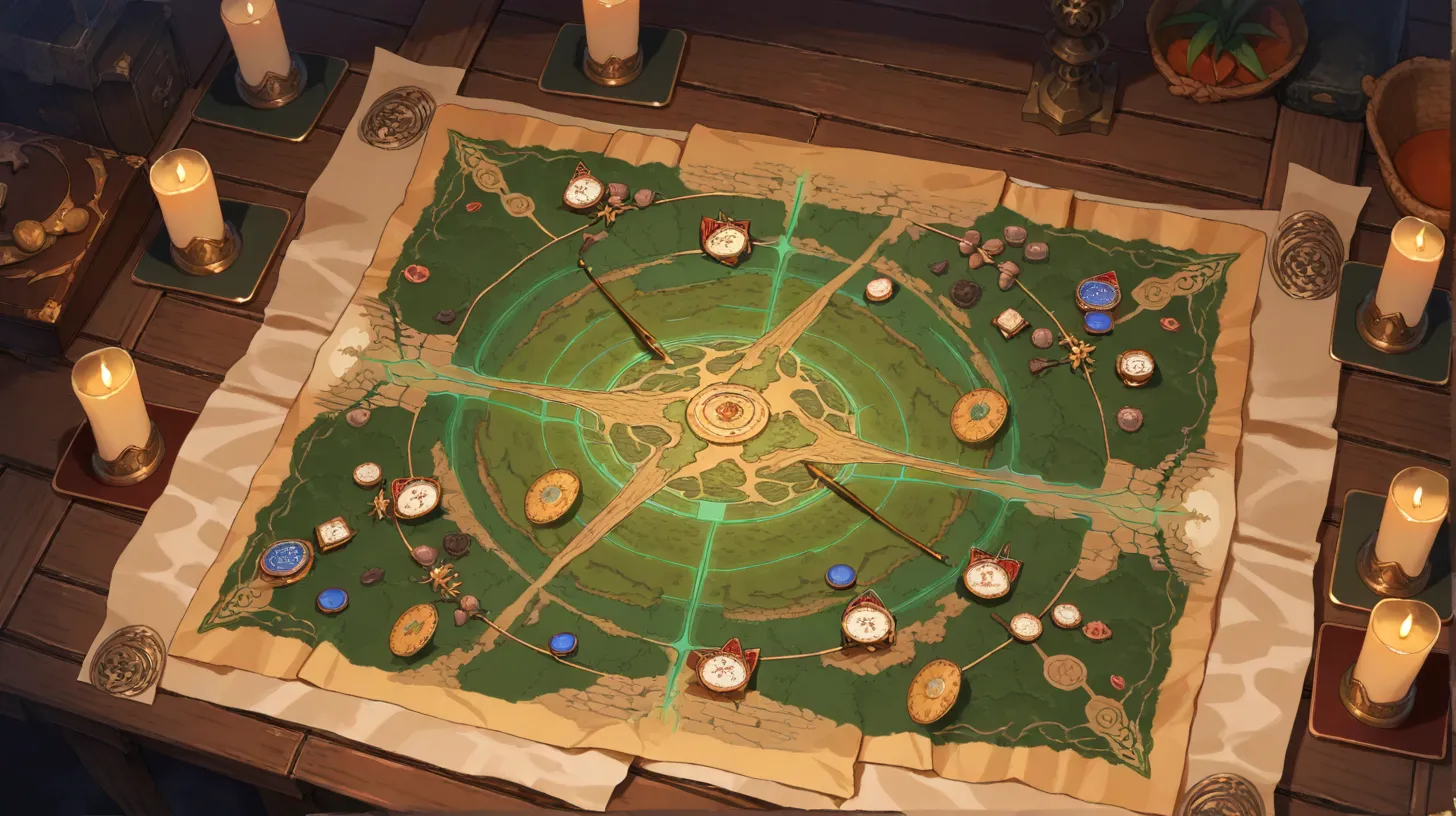
A campaign tracker is the system you use to keep your entire campaign organized — NPCs, quests, locations, session history, and world state, all in one place. The right tracker turns chaotic notes into a searchable, connected knowledge base that makes every session better.
What a Campaign Tracker Should Do
At minimum, a campaign tracker needs to handle five things:
- NPC management — Names, locations, motivations, attitudes, secrets. Searchable and filterable.
- Quest tracking — Active, completed, and failed quests. Current status and next steps for each.
- Session history — What happened, when, and what changed. A chronological record of the campaign.
- World state — The current state of factions, regions, and key relationships. Updates after every session.
- Cross-referencing — The ability to link NPCs to locations, quests to NPCs, and sessions to everything. This is what separates a tracker from a pile of notes.
Campaign Tracker Tools Compared
Anima
Built specifically for worldbuilding and campaign management. Wiki entries, interactive maps, timelines, and AI assistance in one integrated platform. The strength is seamless cross-referencing — every entity connects to every other entity. Best for DMs who want a purpose-built tool without setup overhead.
Notion
A general-purpose workspace that's highly customizable. The TTRPG community has created excellent templates for campaign tracking. The learning curve is moderate, and you'll spend time building your system before you can use it. Best for DMs who enjoy building systems and want maximum flexibility.
Obsidian
A local-first Markdown note app with powerful linking. The graph view shows connections between notes visually. Plugins extend functionality enormously. Best for DMs who want privacy (local files, no cloud), enjoy the Zettelkasten method, and are comfortable with Markdown.
World Anvil
A dedicated worldbuilding platform with extensive templates for every entity type. Includes a timeline system, interactive maps, and manuscript tools. The free tier is functional but limited. Best for DMs who want deep worldbuilding templates out of the box.
Google Docs / Sheets
The zero-friction option. Everyone knows how to use it, it's free, and it supports real-time collaboration. The weakness is that it doesn't scale — a campaign with 100+ NPCs in a Google Doc becomes unwieldy. Best for short campaigns, one-shots, or DMs who want to start immediately.
Physical Notebooks
Don't underestimate analog. A well-organized notebook with tabs, an index, and consistent formatting is a legitimate campaign tracker. The strength is zero setup, zero technical issues, and the tactile satisfaction of writing. The weakness is searchability — finding that one NPC from session 12 means flipping pages.
Comparison Table
| Tool | Setup Time | Learning Curve | Cross-Referencing | Collaboration | Cost |
|---|---|---|---|---|---|
| Anima | Minutes | Low | Excellent | Built-in | Free tier |
| Notion | Hours | Medium | Good (manual) | Excellent | Free tier |
| Obsidian | Hours | Medium-High | Excellent (backlinks) | Paid plugin | Free |
| World Anvil | 30 min | Medium | Good | Limited free | $5+/mo |
| Google Docs | Instant | None | Poor | Excellent | Free |
| Notebook | Instant | None | Poor | None | $5-15 |
Setting Up Your Campaign Tracker
Start With the Minimum
Don't build an elaborate system before session one. Start with three sections:
- NPCs — Name, location, one-line description, attitude toward the party
- Quests — Name, status, next step
- Session log — Date, key events, open threads
Add complexity only when you feel the pain of not having it. If you keep looking up the same information and can't find it, that's a signal to add a new section.
Update After Every Session
A tracker that's two sessions behind is worse than no tracker at all — it creates false confidence. Build a 10-minute post-session ritual: update NPC statuses, advance quest states, log key events. Do it immediately after the session while your memory is fresh.
Let Players Contribute
Give players access to the tracker (at least the non-secret parts). Let them add their own notes, theories, and character journals. Collaborative tracking distributes the workload and increases player investment.
For the complete campaign management framework, see our Ultimate Guide to Campaign Management. Pair your tracker with a solid session notes template and a campaign journal system.
Keep reading
More from this topic

Ultimate Guide: Campaign Management
Master campaign management for tabletop RPGs. Learn session planning, NPC tracking, quest management, and the best digital tools for running organized, memorable campaigns.
How to Run a Session Zero (Checklist, Examples & Common Pitfalls)
Session zero is the single highest-leverage hour of any campaign. Skip it and you end up renegotiating expectations mid-fight six sessions in. Here's the checklist, the conversations to force, and the traps first-time GMs fall into.
DnD Campaign Ideas: 50 Plot Hooks
Start building your world today
A linked wiki, a timeline and a live DM screen — free, in your browser, no account needed.