D&D 5e Character Sheet: Printable & Fillable (Free PDFs + Tools)
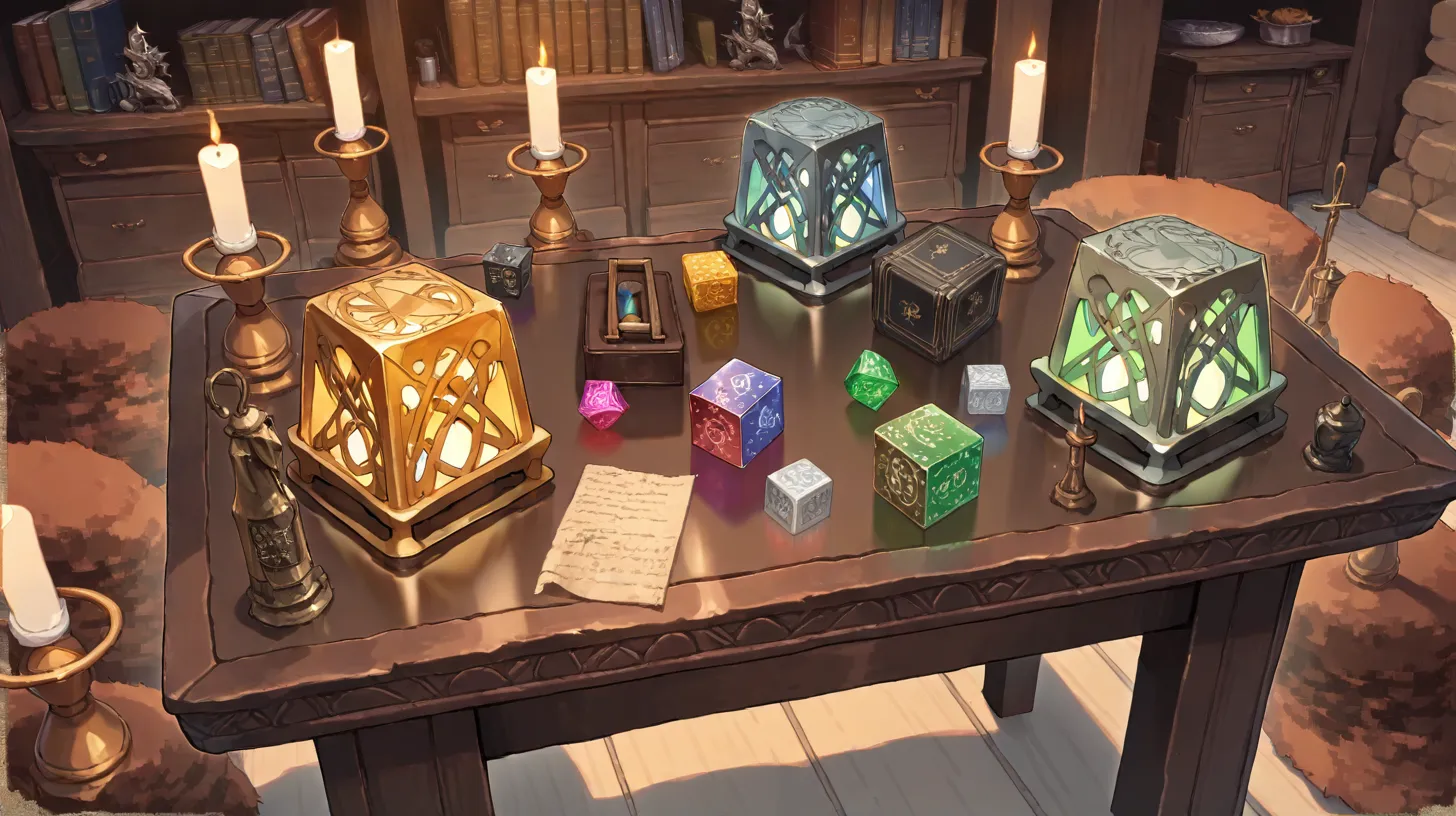
The official D&D 5e character sheet is two pages of small boxes, ability scores, modifier columns, and acronyms that nobody explains. New players spend their first session learning what every field does. Veteran players keep three different sheets bookmarked because each one has a feature the others lack — a fillable PDF for at-the-table sessions, a printable for new players, a digital one for online play.
This guide is the complete reference: where to find the official Wizards of the Coast sheets, which third-party fillable PDFs are actually good, the best digital alternatives (D&D Beyond, Roll20, Foundry VTT, Anima), and a section-by-section walkthrough of every field on the standard sheet so you can fill one out for the first time without getting lost.
The Official 5e Character Sheet (Free PDF)
Wizards of the Coast publishes the official 5e character sheet for free as a PDF on their website. There are three versions:
- Standard Character Sheet (5 pages): The main two-page core sheet, plus a personality page (background, flaws, ideals, bonds), an inventory page, and a spell list. Most tables use the core two pages and ignore the rest unless playing a spellcaster.
- Form-Fillable Version: The same sheet, but fillable in any PDF reader. Type your values into the boxes and the math doesn't auto-calculate, but at least you don't need to print.
- Spell Sheet: A standalone sheet for caster classes (wizard, cleric, druid, bard, sorcerer, warlock, paladin, ranger) with separate boxes for cantrips, level 1-9 slots, and prepared spells.
Find them at the official Wizards of the Coast D&D 5e download page: dnd.wizards.com/resources/character-sheets. They're free, official, and accepted by every D&D organized play group (Adventurers League, etc.).
Better Third-Party Fillable PDFs
The official fillable PDF works but doesn't auto-calculate. Several free third-party versions add real-time math:
- MorePurpleMoreBetter (MPMB) Character Sheet. The gold standard. Auto-calculates ability modifiers, saving throws, skill bonuses, attack rolls, and damage. Tracks spell slots, multiclass features, and feats. Print-friendly. The only complaint is the steep learning curve — there are dozens of customization options. Search "MorePurpleMoreBetter character sheet" on the official D&D subreddit or community sites; it's hosted on Google Drive.
- DnDBeyond's PDF Export. If you build a character on D&D Beyond (free), you can export it as a PDF. The formatting matches the official sheet. Useful if you build digitally but play in person.
- The Critical Hit Sheet. A simplified single-page version for new players. Strips out fields you rarely use (saving throw proficiencies become a checkbox; skills become a single line). Best for first-time players.
The MPMB sheet is the strongest choice for most tables. The official one is reliable; the Critical Hit Sheet is friendliest for beginners.
Digital Character Sheet Alternatives
If you're playing online, or you want auto-tracking of HP, spell slots, and conditions during play, a digital sheet is usually better than a PDF:
- D&D Beyond. The official digital sheet. Tracks everything, integrates with the Wizards of the Coast rules content, and supports homebrew. Free for the basic feature set; paid tiers unlock content. Most D&D groups in 2026 use it.
- Roll20. The leading virtual tabletop. Character sheets live inside the game's interface and integrate with rolling, maps, and chat. Best for tables that play exclusively on Roll20.
- Foundry VTT. Premium VTT ($50 one-time per host) with the most advanced character sheets in the hobby. Modifier stacking, automated condition tracking, and a thriving community of free modules. Best for tables with a tech-comfortable host.
- Anima. Our own platform integrates character sheets with the campaign wiki, timeline, and maps. Less specialized for combat than D&D Beyond, but a single source of truth for the whole campaign. Free to start.
- Fight Club 5. The best iOS app for in-person play. Tracks HP, spell slots, and conditions on your phone during the session. iOS only.
Section-by-Section Walkthrough
Let's walk through the standard 5e character sheet, top to bottom, and explain what each field does and how to fill it.
The Top Header
- Character Name. Your character's full name. Use one a DM can pronounce; the long-form name is your business.
- Class & Level. "Wizard 3" or "Fighter 1 / Rogue 2" for multiclass.
- Background. The background you chose (Soldier, Acolyte, Criminal, etc.). Determines starting proficiencies, equipment, and one feature.
- Player Name. Your real name. Useful for the DM at large conventions or organized play.
- Race. Your character's race (Human, Elf, Dwarf, Halfling, etc.). Provides ability score modifiers, traits, and proficiencies. Browse the races cluster for full breakdowns.
- Alignment. Lawful Good, Chaotic Neutral, etc. Mostly cosmetic in 5e; mechanically matters for a few spells and items.
- Experience Points. Your XP total. Optional — many tables use milestone leveling instead.
Ability Scores (Left Column)
Six ability scores: Strength (STR), Dexterity (DEX), Constitution (CON), Intelligence (INT), Wisdom (WIS), Charisma (CHA). Each has a big number (the score, 1-20 for most characters) and a small modifier box (the modifier, calculated from the score).
- Modifier formula: (Score − 10) ÷ 2, rounded down. Score 14 = +2; score 8 = -1; score 18 = +4.
- Score generation: Standard array (15, 14, 13, 12, 10, 8), point buy (27 points), or rolling (4d6, drop the lowest, six times).
- Racial modifiers: Add your race's bonuses to your scores after rolling/assigning. A human with 15 in everything has 16s after the +1 racial bonus.
Saving Throws
Each ability has a saving throw box. Two of them have a "proficient" checkbox — you check the boxes for the two saves your class is proficient in (e.g., Fighter has STR and CON saves). When proficient, add your proficiency bonus to the modifier.
Skills
Eighteen skills tied to ability scores. Each has a "proficient" checkbox. Add your proficiency bonus if proficient; just the ability modifier if not.
Your class and background tell you which skills you're proficient in. Most players are proficient in 4-6 skills total at level 1. Some classes get "Expertise" (rogues at level 1, bards at level 3): that means double your proficiency bonus for that skill.
Inspiration, Proficiency Bonus, Passive Perception
- Inspiration. A meta-mechanic the DM can award to players for good roleplay. Spend it for advantage on a roll. Optional but common.
- Proficiency Bonus. Scales by level: +2 at 1-4, +3 at 5-8, +4 at 9-12, +5 at 13-16, +6 at 17-20.
- Passive Perception. 10 + your Perception modifier. The "always-on" Perception value; what the DM uses to determine if you notice hidden things without rolling.
The Combat Block
- Armor Class (AC). How hard you are to hit. Starts at 10 + Dex modifier; armor and shields add to it.
- Initiative. Your Dex modifier (plus any feats/features). Determines order in combat.
- Speed. Movement per turn. Usually 30 feet; varies by race.
- Hit Points (HP). Maximum, current, and temporary HP. Track damage as it happens.
- Hit Dice. One die per character level, used to heal on short rests.
- Death Saves. Tracked at 0 HP; success/failure boxes determine if you stabilize or die.
Attacks & Spellcasting
The middle-right box lists your attacks: weapon, attack bonus (Dex/Str modifier + proficiency), and damage dice. List your most-used weapons here.
If you're a spellcaster, the spell sheet (separate page) tracks your prepared spells, slots remaining, and spellcasting ability. See the classes & builds cluster for class-by-class spellcasting details.
Equipment, Currency, Features & Traits
- Equipment. Everything your character carries. Use the character creation rules to determine starting gear.
- Currency. CP, SP, EP, GP, PP — copper through platinum. Most starting characters have 0-5 GP plus class starting gold.
- Features & Traits. All the abilities from your race, class, and background. List them concisely; reference the rulebook for full descriptions.
The Personality Page
Background-derived fields: Personality Traits, Ideals, Bonds, Flaws, Appearance, Backstory. Most new players skip this page. Don't. Filling it out (even loosely) makes your character a person rather than a stat block. For deep character work, see our character bible guide and backstory generator guide.
Common Sheet-Filling Mistakes
- Forgetting to add proficiency bonus. Most new players miss it on saves and skills.
- Wrong AC math. Light armor adds Dex modifier; medium armor caps it at +2; heavy armor doesn't add Dex at all. Check your armor type.
- Skipping racial features. Darkvision, Fey Ancestry, breath weapons — these are real combat abilities and they're easy to forget mid-session.
- Not tracking spell slots. Caster players regularly forget to mark spent slots and end up overcasting.
- Ignoring class features. Read your class's feature list at every level-up. Many class features are non-obvious.
- Bad name choices. "Rogue McRogueface" gets old. Use our D&D name generator for class-appropriate names.
Class-Specific Sheets
Wizards of the Coast publishes class-specific starter sheets pre-filled with example builds. They're great for beginners but limit your build choices. After your first few sessions, switch to a blank sheet so you can customize.
The pre-filled options cover: barbarian, bard, cleric, druid, fighter, monk, paladin, ranger, rogue, sorcerer, warlock, wizard. Pre-filled sheets include sample equipment, common spell choices, and reasonable stat allocations. Useful for one-shots and new players.
Printable vs. Fillable vs. Digital: Which to Choose
- Pen-and-paper sheet (printed): Best for new players. Forces you to read every field. Easy to scribble notes. Hard to update mid-session without erasing.
- Fillable PDF (MPMB or official): Best for veteran players who play in person. Auto-calculates math; print before each session if you prefer paper at the table.
- D&D Beyond (digital): Best for online play. Tracks everything in real time. Integrates with Roll20 and Foundry.
- Anima (digital): Best for campaign management. Sheet lives alongside your wiki, maps, and timeline. Free to start.
The Character Sheet Is a Starting Point
The sheet is a contract — between you, your DM, and the rules — that records what your character can do mechanically. It's not a character. The character is what you do with the sheet at the table: how you describe attacks, how you roleplay personality, how you interact with the world. A good sheet supports good roleplay; it doesn't replace it.
For deeper character work, see our complete character sheet resource guide, character bible guide, and backstory generator walkthrough. For class-specific builds, browse the classes & builds cluster. For race choices, see the races, species & lineages cluster. To organize your character alongside the rest of your campaign, create a free Anima account.
Keep reading
More from this topic

DnD Character Sheet: Complete Resource Guide
Everything you need to know about D&D character sheets — how to fill them out, the best printable and digital templates, and tips for both new players and veterans.
How to Build a Character Bible for Your Novel or Campaign
Learn how to create a character bible that tracks personalities, arcs, relationships, and secrets — so every character stays consistent and compelling across your entire story.

How to Keep Track of NPCs in Your Campaign
Stop forgetting names mid-session. A practical system for tracking every NPC — recurring or one-off — so your campaign feels alive and your players feel remembered.
Start building your world today
Maps, wikis, timelines, and AI tools — everything you need to bring your world to life, in one place.