Initiative Tracker
Combat tracker
D&D Initiative Tracker
Track turn order, HP, and conditions — roll initiative, advance turns, and manage combat in seconds
No combatants yet.
Free · No signup · Click any result to copy
Free initiative tracker for D&D 5e and any TTRPG. Add combatants, roll d20 initiative, sort turn order automatically, track HP and conditions, and advance turns with a live round counter.
Run combat in a real campaign — HP, conditions and initiative on a live DM screen.
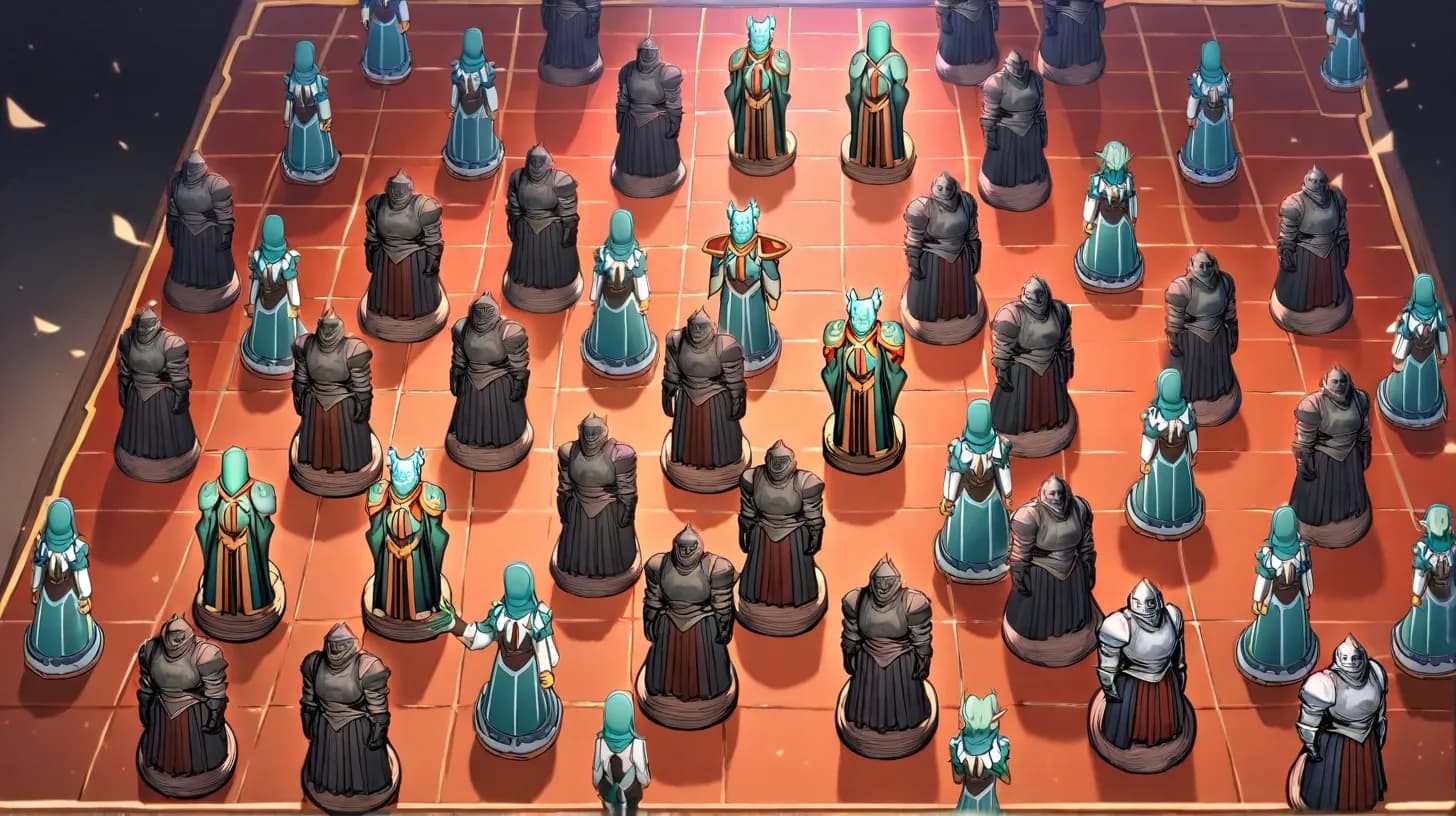
Combat slows down when the DM is juggling turn order on scratch paper. This initiative tracker keeps the whole fight in one place: add each combatant, roll or type their initiative, and the tracker sorts the turn order for you. Hit Start, then Next turn to move down the list — the round counter ticks up automatically when the order loops back to the top.
Every combatant can carry HP and conditions. Apply damage or healing with a one-tap stepper (HP flashes red when someone drops low), and tag statuses like Poisoned, Prone, or Stunned so nobody forgets the paladin is still Concentrating. Party and enemy combatants are color-coded so you can read the board at a glance. It works for D&D 5e, Pathfinder, Call of Cthulhu, or any system with a turn order.
Your encounter is saved in your browser, so a reload won't wipe the fight. Pair the tracker with our NPC Stat Block Generator for enemy stats and the Dice Roller for attacks and saves.
How the Initiative Tracker Works
Running a fight with the tracker takes four steps:
- Add combatants. Type a name, an optional initiative, and optional HP, then mark them as party or enemy. Add the whole party and every monster.
- Roll initiative. Enter values by hand, or hit "Roll initiative" to roll a d20 for everyone who doesn't have one yet — it won't overwrite numbers you typed. The list re-sorts instantly, highest first.
- Start combat. Hit Start. The top of the order becomes the active turn, marked with a highlight and an edge bar.
- Advance turns. Next turn moves down the order; when it wraps back to the top, the round counter increments. Apply damage, heal, and add conditions as the fight unfolds.
Tracking HP and Conditions
HP is the number a DM updates most in combat, so the tracker makes it fast. Give a combatant a max HP, then type an amount and tap − to deal damage or + to heal. HP is clamped at zero and at the maximum, and the number turns red once a combatant drops to a third or less — an at-a-glance "bloodied" warning.
Conditions are the thing most tables forget. Open a combatant's condition menu and toggle the 5e statuses — Blinded, Charmed, Frightened, Grappled, Poisoned, Prone, Restrained, Stunned, Unconscious, and more, plus Concentrating for spellcasters. Active conditions show as chips on the combatant's row; tap a chip to clear it.
How Initiative Works in D&D 5e
At the start of combat, every creature rolls initiative: a Dexterity check, meaning 1d20 + Dexterity modifier (plus any bonuses, like a rogue's later features or the Alert feat). The highest result acts first, and play proceeds down the order each round until initiative is rolled again for a new fight.
| Situation | Ruling |
|---|---|
| Ties | Players decide order among themselves; the DM decides for monsters, or PCs win ties by convention. Set the values however your table prefers. |
| Groups of identical monsters | Roll once for the whole group and give them all the same initiative, or roll individually for chaos. Add them as "Goblin 1", "Goblin 2" to track HP separately. |
| Surprise | Surprised creatures can't act on their first turn — start them in the order but skip their turn in round 1. |
| Adding a combatant mid-fight | Roll their initiative and add them; the tracker slots them into the order automatically. |
Speeding Up Combat at the Table
A turn tracker is only half the battle — the other half is table habits that keep initiative moving:
- Roll monster initiative in groups. One roll for all the goblins keeps the order short and readable. Reserve individual initiative for named enemies.
- Announce "you're up, X is on deck." Telling the next player they're coming means they've planned their turn before it starts. The tracker's order makes on-deck obvious.
- Pre-roll and pre-total. Ask players to roll attack and damage together so a hit resolves in one call. Pair with the Dice Roller for anyone without physical dice.
- Track conditions religiously. Most combat slowdowns come from "wait, was I still poisoned?" The condition chips answer that instantly.
Which Systems Does It Work For?
The tracker is deliberately system-agnostic. It assumes only three things: an initiative value to sort by, optional HP, and a party-or-enemy side. That covers the overwhelming majority of tabletop RPGs:
- D&D 5e — 1d20 + Dex initiative, the default this tool is tuned for.
- Pathfinder 1e/2e — Perception or Dexterity-based initiative; enter the totals and sort as normal.
- Call of Cthulhu — DEX-order initiative; type each investigator's DEX as the initiative value.
- OSR and homebrew — any d6 or d20 initiative system; the tracker doesn't care how you got the number.
From a One-Off Fight to a Full Campaign
This tracker is perfect for a single encounter, and it remembers your current fight across reloads. But a campaign is more than one fight. Your party's stats, your recurring villains, and the encounter the rogue barely survived deserve to persist — and your players deserve to see the tracker too.
Anima turns this tracker into a live DM screen inside your campaign: keep your party, NPCs and monsters with their HP, abilities and conditions, run initiative with a dice log, and write session notes and recaps as you play. Combine it with the Encounter Builder to build balanced fights and the Random Encounter Generator for what wanders in. For the full table craft, see how to prep a D&D session and the Dungeon Master Toolkit hub.
This tracker resets when you close the tab. A campaign doesn't.
Great for a one-off fight. But your recurring villains, your party's stats and last week's cliffhanger deserve to persist. Anima keeps them in a campaign with a live DM screen.
- Keep your party, NPCs and monsters with level, HP, abilities and conditions
- Run initiative from the live DM screen, with a dice log
- Session notes and recaps so survivors can return three sessions later
Free to start · No credit card · Your generated content stays free to use anywhere
Keep going
More free tools

D&D Dice Roller
Free online dice roller for D&D and any TTRPG. Roll d4–d20 and d100, build multi-dice pools, add modifiers, roll with advantage or disadvantage, and type full expressions like 2d6+3 or 4d6kh3.
D&D Encounter Builder
Free 5e encounter builder — pick party level, size, and difficulty (Easy / Medium / Hard / Deadly). The tool calculates XP thresholds and assembles a CR-balanced encounter in seconds.

D&D Spell Generator
Free D&D 5e–style spell generator. Pick level (cantrip → 9) and school of magic — get a complete spell with casting time, range, components, duration, and effect.
D&D Trap Generator
Free D&D 5e trap generator. Pick severity (Setback, Dangerous, Deadly) and character level — get DMG-balanced traps with triggers, damage, save DCs, and disarm hints.